
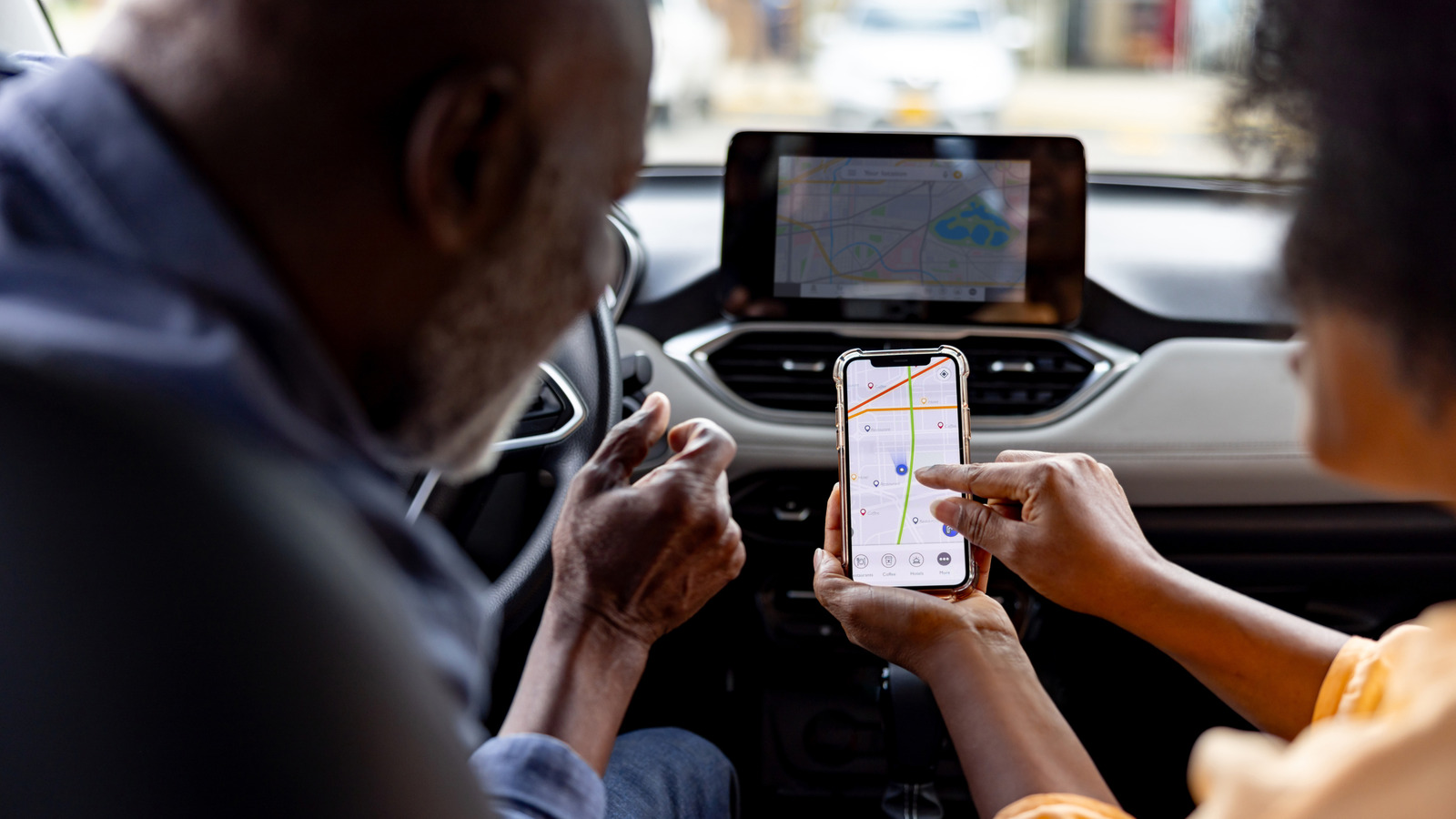
CarPlay has been around since 2014 and has been receiving feature updates quite frequently, making it a safer way to interact with your phone while driving. Setting it up is easy and, outside of occasional connection issues, CarPlay tends to work seamlessly without requiring any troubleshooting — well, until you have a passenger with an iPhone that had previously been paired to your car. Though you can set up CarPlay for multiple iPhones in the same vehicle, you can only use one of them with CarPlay at a time. Let's say two people with CarPlay-paired iPhones get into the same car. If your car automatically connects to the driver's iPhone, there's nothing you need to do, but if it picks the passenger's phone for projecting CarPlay instead, you'll need to manually switch the connection back. Depending on your car manufacturer, the process to pick a different iPhone for CarPlay will vary. Some infotainment systems let you pick a preferred or primary phone that gets priority whenever there are multiple paired iPhones in the vicinity. You should be able to find this under the Bluetooth settings or device management menu on your car's infotainment system. Some manufacturers, like Hyundai, let you switch CarPlay or Android Auto connections on the go. Your car should remember your preference the next time it detects the same devices. Car infotainment systems are particular, though, so manually turning off Bluetooth and Wi-Fi on the other iPhone is a quick-and-dirty fix. You could als


Henüz yorum yok — ilk yorumu sen yaz!